


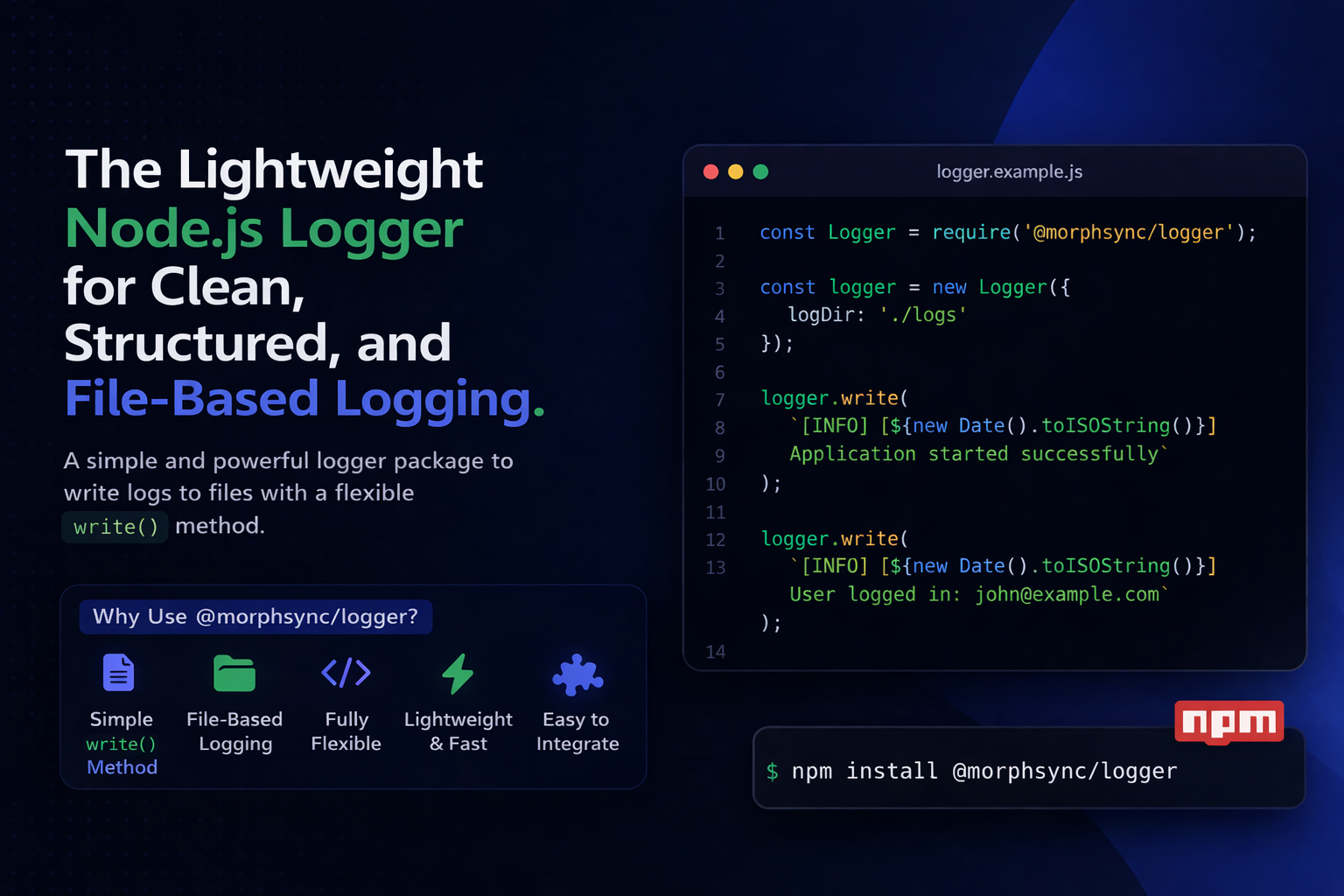
When building modern backend applications, logging is not optional — it is one of the most important parts of debugging, monitoring, and maintaining your application.
If you’re tired of messy console.log() statements scattered all over your codebase, @morphsync/logger gives you a clean, structured, and scalable way to manage logs in your Node.js applications.
Whether you’re building:
- REST APIs
- Express.js apps
- microservices
- admin panels
- SaaS products
- internal tools
…this package can help you maintain clean logs, improve debugging speed, and keep your application more production-ready.
What is @morphsync/logger?
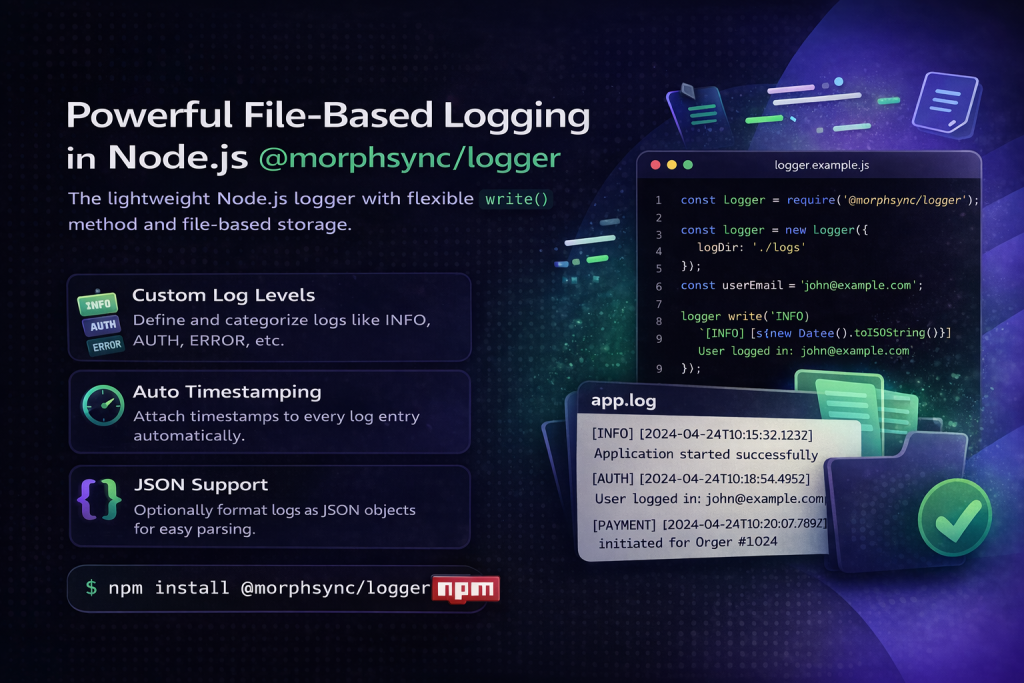
@morphsync/logger is a Node.js logging utility that allows you to write custom logs into files using a simple and straightforward API.
Instead of using multiple predefined methods like info(), warn(), or error(), this package gives you a single flexible method:
That means you control how your logs are structured.
This makes the package ideal for developers who want:
- full flexibility
- clean log storage
- custom log formatting
- reusable logging across projects
Why Use a Logger Package Instead of console.log()?
Many developers start with this:
That’s okay for testing.
But in a real application, it becomes messy very quickly.
Problems with console.log()
- logs disappear after server restarts
- no file-based storage
- difficult to track historical activity
- hard to organize logs by event type
- not ideal for production debugging
A dedicated package like @morphsync/logger helps you write logs properly and keep them stored for future debugging and monitoring.
Key Features of @morphsync/logger
Here’s what makes this package useful:
1) Simple write() Method
The package keeps logging minimal and flexible with a single method for writing logs.
2) File-Based Logging
Instead of relying only on console output, you can store logs in files.
3) Custom Log Directory Support
You can configure where logs should be saved.
4) Lightweight and Easy to Integrate
No heavy setup. No unnecessary complexity.
5) Flexible Logging Structure
You can define your own message style and logging pattern.
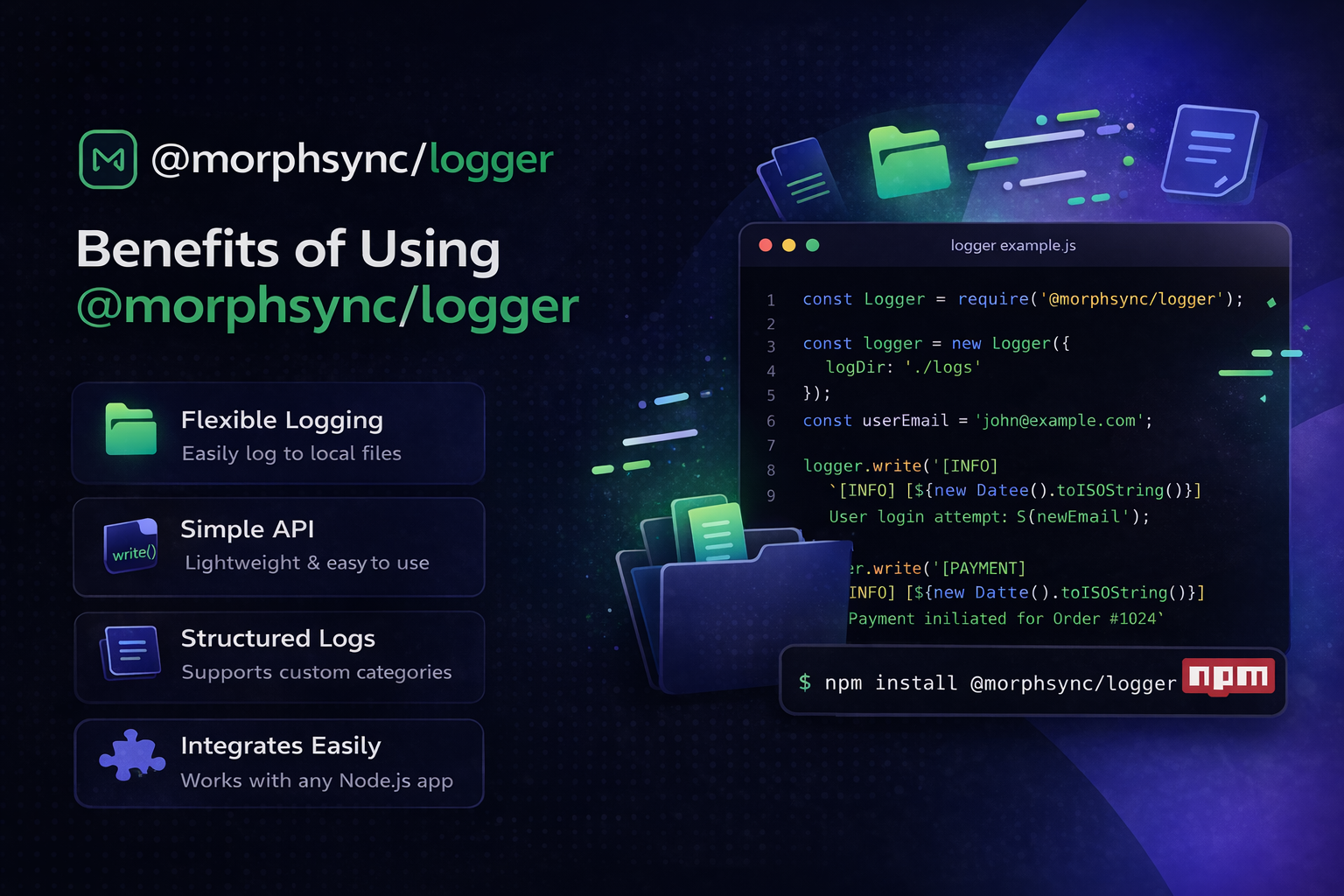
Benefits of Using @morphsync/logger
Using a proper logging package offers real development benefits.
✅ 1. Better Debugging
You can track exactly what happened in your application and when it happened.
✅ 2. Persistent Log Storage
Unlike console output, your logs stay saved in files for future reference.
✅ 3. Cleaner Application Monitoring
Useful for tracking:
- user actions
- API calls
- failed operations
- scheduled jobs
- system events
✅ 4. More Professional Backend Setup
A dedicated logging system makes your app more maintainable and production-ready.
✅ 5. Flexible for Any Project Structure
Since it uses a simple write() method, you can adapt it to your own logging style.
How to Install @morphsync/logger
Install the package using npm:
Or using yarn:
How to Use @morphsync/logger
The package is intentionally simple.
Here’s a basic example:
This allows you to write logs directly into your configured log directory.
Code Example: Writing Custom Logs in Node.js
One of the best things about @morphsync/logger is that you can structure your logs however you want.
Example:
This makes it useful for a wide range of backend scenarios.
Example: Using @morphsync/logger in an Express.js Application
If you’re building an API with Express.js, this package can help you keep request and event logs organized.
This is especially useful for:
- route access logging
- API monitoring
- debugging request flow
- keeping server activity records
Real-World Use Cases of @morphsync/logger
Here are some practical ways to use this logger package in real applications.
API Request Logging
Track:
- route access
- incoming requests
- failed endpoints
Authentication Activity
Write logs for:
- login attempts
- signup events
- password reset requests
Payment and Order Flow
Useful for logging:
- payment attempts
- order creation
- failed transactions
Cron Jobs and Scheduled Tasks
Track background jobs like:
- email sending
- cleanup scripts
- report generation
- invoice creation
Admin Panel Actions
Write logs for:
- user management actions
- content updates
- settings changes
Why Developers Like the write() Approach
A lot of logger packages come with predefined methods and complex configurations.
That can be useful — but sometimes it’s overkill.
The beauty of @morphsync/logger is its simplicity.
With a single write() method, you can decide:
- what to log
- how to log it
- how detailed the log should be
- how to structure your messages
That gives developers more control with less complexity.
Best Practices for Using @morphsync/logger
To get the best results, follow these simple logging practices.
Write Clear Messages
Bad:
Better:
Add Context Where Possible
Instead of:
Use:
Log Important Events Only
Don’t log every tiny thing. Focus on meaningful application events.
Keep Logs Consistent
Try to follow a common message style across your project.
Example:
That makes logs easier to scan and debug later.
Who Should Use @morphsync/logger?
This package is a great fit for:
- Node.js developers
- Express.js developers
- backend developers
- SaaS product teams
- agencies building custom APIs
- freelancers working on server-side applications
If you want a simple file logger for Node.js, this package is a solid option.

